PDF files are the most trusted format for sharing documents because they preserve formatting across every device. But when it’s time to actually edit that content — fix a typo, update a table, or reuse text in a new document — a PDF becomes a roadblock. This is exactly why a PDF to Word converter has become one of the most searched and most used tools online.
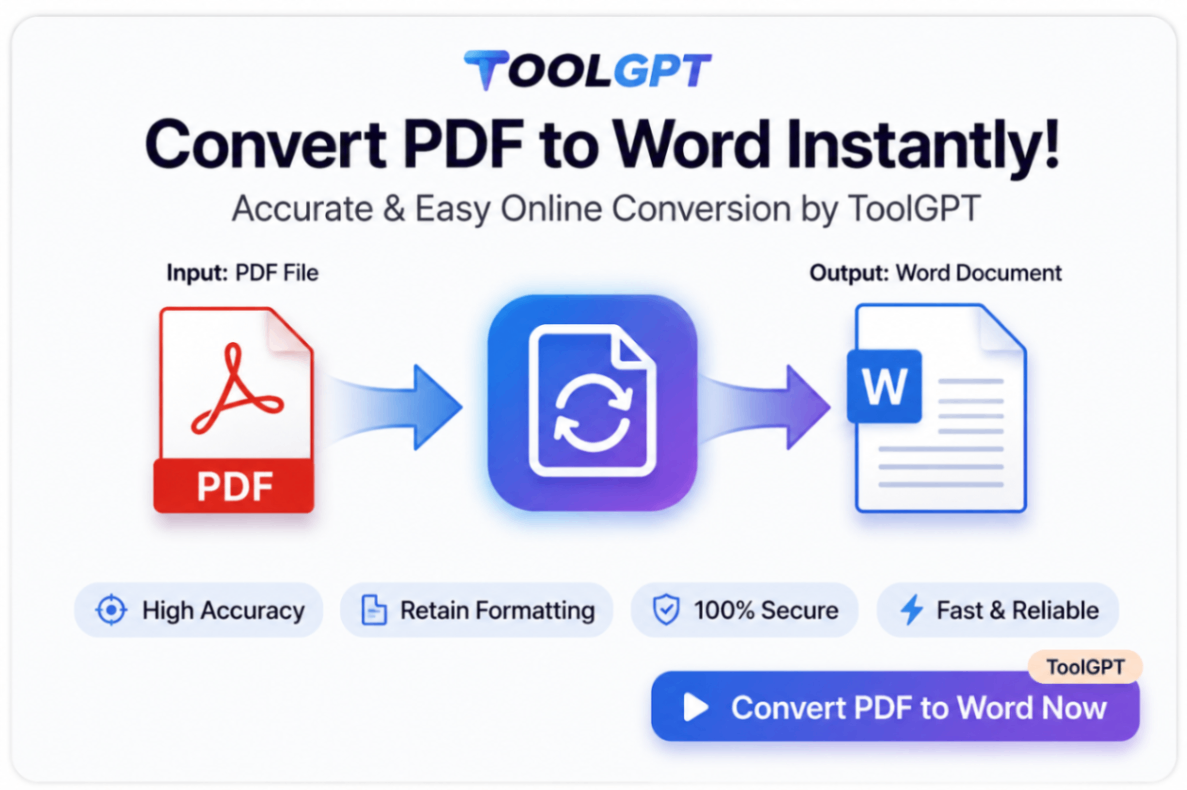
ToolGPT.in offers a fast, accurate, and completely free PDF to Word Online converter that turns any PDF into a fully editable Word (.docx) document in just a few seconds — no software installation, no signup, and no watermark.
What is a PDF to Word Converter?
A PDF to Word Converter is an online tool that transforms a PDF file into an editable Microsoft Word document. Instead of retyping content manually or wrestling with locked formatting, users can convert their PDF and start editing immediately in Word or Google Docs.
A good converter doesn’t just extract text — it preserves the original layout, including:
- Fonts and text formatting
- Paragraph structure and spacing
- Tables and columns
- Images and graphics
- Page layout and margins
ToolGPT.in’s PDF to Word tool is built to keep your document looking exactly the way it did in the original PDF, so you don’t waste time fixing formatting after conversion.
Why You Need to Convert PDF to Word
PDFs are great for sharing, but terrible for editing. Once a document is saved as a PDF, making even small changes usually means starting from scratch — unless you convert it back to an editable format first.
Here’s when converting PDF to Word online becomes essential:
- Editing content — Updating a resume, contract, or report that only exists as a PDF
- Reusing text — Copying content from a PDF into a new document without broken formatting
- Filling forms — Adding information to a scanned or flattened PDF form
- Collaboration — Sharing an editable version with a team that works in Word
- Fixing errors — Correcting typos or outdated information in an old PDF
Instead of manually retyping entire pages, a PDF to Word Converter saves hours of work and reduces the risk of transcription errors.
How to Convert PDF to Word on ToolGPT.in
Converting a PDF to Word on ToolGPT.in takes less than a minute. Here’s how:
Step 1: Upload Your PDF Click the upload button or drag and drop your PDF file into the tool.
Step 2: Start the Conversion Click “Convert to Word” and let the tool process your file.
Step 3: Download Your Word Document Once conversion is complete, download your fully editable .docx file — ready to open in Microsoft Word or Google Docs.
No installation, no email required, and no waiting in a queue.
Key Features of ToolGPT.in’s PDF to Word Tool
Accurate Formatting — Tables, fonts, images, and layout are preserved as closely as possible to the original PDF.
Fast Conversion — Files are converted in seconds, even for multi-page documents.
Secure Processing — Uploaded files are processed securely and automatically deleted after conversion.
No Installation Needed — Works entirely in your browser on any device.
Free to Use — Convert unlimited PDFs to Word with no hidden charges or subscriptions.
Cross-Device Compatibility — Works on desktop, laptop, tablet, and mobile browsers.
Common Use Cases
- Students converting lecture notes or research papers into editable documents
- Job seekers editing resumes that were saved or received as PDFs
- Businesses updating contracts, invoices, and proposals originally shared as PDFs
- HR teams editing offer letters and policy documents
- Freelancers repurposing PDF content into new Word-based deliverables
- Legal professionals editing agreements without retyping entire clauses
PDF to Word vs. Manual Retyping
Manually retyping a PDF is slow, error-prone, and loses the original formatting entirely. A dedicated PDF to Word converter automates this process — extracting text, tables, and images while keeping the layout intact. What could take 30–60 minutes by hand takes seconds with the right tool.
Frequently Asked Questions (FAQ)
Is ToolGPT.in’s PDF to Word converter free? Yes, it’s completely free with no hidden charges or sign-up required.
Will the formatting stay the same after conversion? ToolGPT.in preserves fonts, layout, tables, and images as closely as possible to the original PDF. Complex or scanned PDFs may require minor manual adjustments.
Can I convert scanned PDFs to Word? Scanned or image-based PDFs may need OCR (text recognition) to extract editable text accurately.
Is my file secure? Yes. Files are processed securely and automatically deleted after conversion — nothing is stored long-term.
What file format do I get after conversion? You’ll receive a standard .docx file, compatible with Microsoft Word and Google Docs.
Do I need to install any software? No. ToolGPT.in works entirely online through your browser.
Conclusion
A PDF to Word Converter turns a static, uneditable document into something you can actually work with — no retyping, no formatting headaches, no wasted time. ToolGPT.in’s free PDF to Word Online tool makes the process fast, secure, and accessible from any device.
Whether you’re editing a resume, updating a contract, or reusing content from an old report, ToolGPT.in gets you from PDF to Word in just a few clicks — completely free.