In today’s digital world, clean and professional images are more important than ever. Whether you’re creating passport photos, product images, YouTube thumbnails, social media posts, or graphic designs, removing the background from an image can completely transform its appearance.
That’s where our Free Background Remover Tool helps.
With advanced AI technology, you can remove image backgrounds instantly without using complicated editing software like Photoshop.
What is a Background Remover?
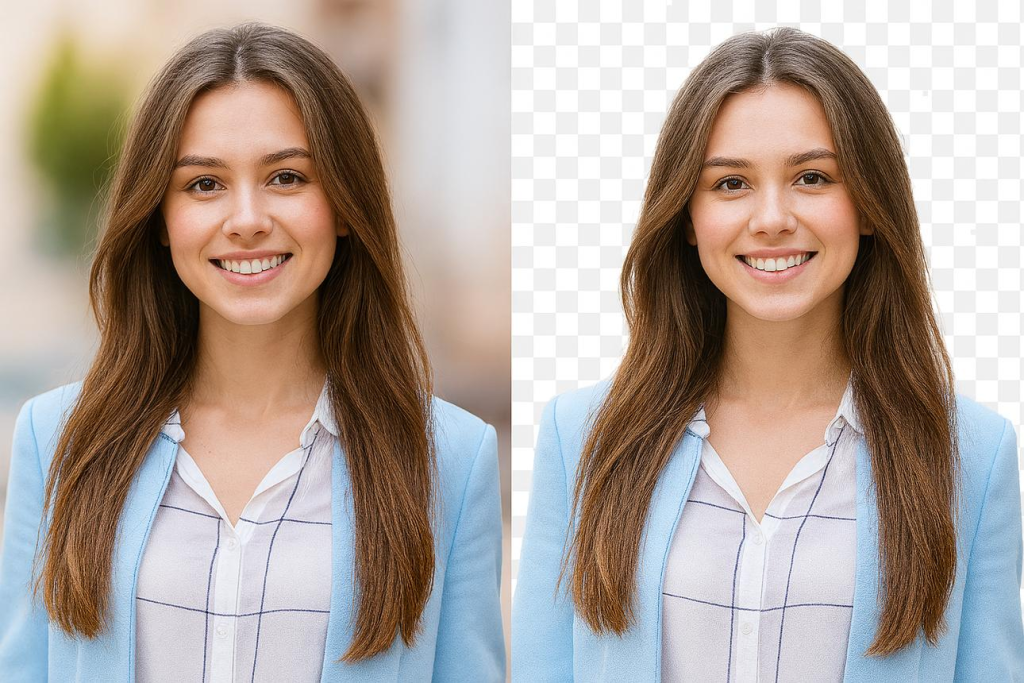
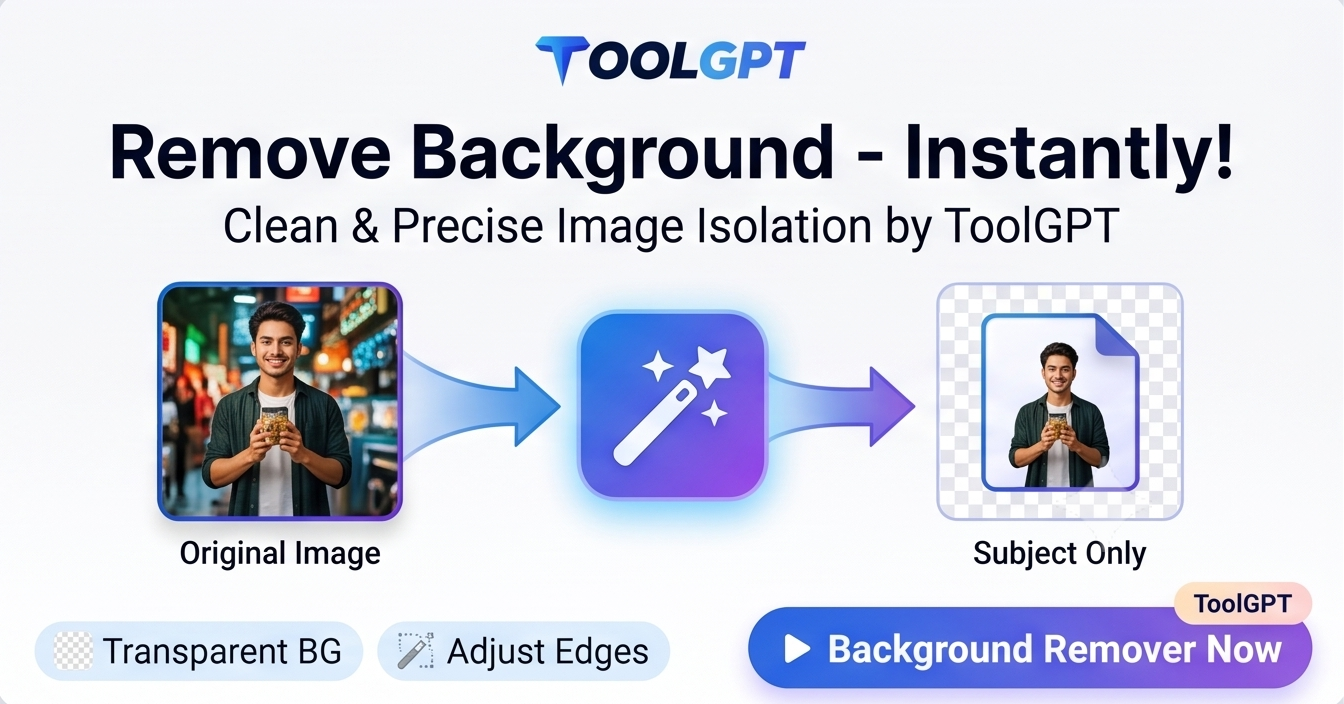
A Background Remover is an online AI-based tool that automatically detects the main subject in an image and removes the unwanted background.
Instead of manually cutting or erasing the background, the AI handles everything automatically within seconds.
The final result can be downloaded as a transparent PNG image or edited further with custom backgrounds.
Why Use an AI Background Remover?
Manual image editing takes time and requires professional skills. AI background removal tools make the process:
- Faster
- Easier
- More accurate
- Beginner friendly
Even users with zero editing experience can create professional transparent images instantly.
Features of Our Background Remover Tool
1. One-Click Background Removal
Simply upload your image and remove the background instantly using AI.
2. Supports Multiple Image Formats
Upload:
- JPG
- JPEG
- PNG
- WEBP
without any compatibility issues.
3. High Quality Results
The tool keeps image quality sharp while removing backgrounds professionally.
4. Transparent PNG Download
Download images with transparent backgrounds instantly.
5. Mobile Friendly
Works perfectly on mobile phones, tablets, laptops, and desktop devices.
6. No Photoshop Needed
Everything works directly in your browser.
7. Fast Processing
AI processes most images within seconds.
How to Remove Background from an Image
Using our tool is extremely simple.
Step 1: Upload Image
Choose an image from your device.
Step 2: Click “Remove Background”
The AI automatically starts detecting the subject.
Step 3: Wait for Processing
Background removal usually takes only a few seconds.
Step 4: Preview Result
Check your transparent image instantly.
Step 5: Download Image
Download the final image in PNG format.
Best Uses of Background Remover
Passport Size Photos
Remove old backgrounds and create clean passport photos.
E-commerce Product Images
Create professional white or transparent backgrounds for Amazon, Flipkart, Shopify, and Meesho products.
YouTube Thumbnails
Design attractive thumbnails with clean cutout images.
Social Media Posts
Create Instagram posts, profile pictures, and reels professionally.
Graphic Design
Perfect for posters, banners, and marketing content.
Why Transparent Background Images are Important
Transparent PNG images are highly useful because they can be placed on any design without visible edges or unwanted backgrounds.
This is especially useful for:
- Logos
- Product photos
- Branding
- Marketing materials
- Website graphics
Advantages of Using Online Background Remover
Saves Time
No need for manual editing.
Beginner Friendly
Easy interface for all users.
Professional Results
AI produces clean and sharp cutouts.
Accessible Anywhere
Use directly from your browser.
No Installation Required
No software download needed.
Is Online Background Removal Safe?
Yes. Most AI background remover tools process images temporarily and do not permanently store user files.
Always use trusted tools that prioritize privacy and secure uploads.
Tips for Better Background Removal
For the best results:
- Upload high-quality images
- Use clear subjects
- Avoid blurry photos
- Use images with good lighting
- Keep the subject separated from the background
Frequently Asked Questions (FAQs)
Is this Background Remover free?
Yes, the tool is completely free to use.
Which formats are supported?
JPG, JPEG, PNG, and WEBP formats are supported.
Can I use it on mobile?
Yes, it works smoothly on mobile devices.
Does it create transparent PNG files?
Yes, transparent PNG download is supported.
Is Photoshop required?
No. Everything works automatically online.
Is AI used in this tool?
Yes, advanced AI technology powers the background removal process.
Final Words
Background removal no longer requires complicated editing skills or expensive software. With modern AI-powered tools, anyone can remove image backgrounds instantly and create professional transparent images within seconds.
Whether you are a student, designer, content creator, e-commerce seller, or social media user, our Free Background Remover Tool helps you save time and improve image quality effortlessly.
Try it now and create clean professional images instantly with ToolGPT 🚀