Merge PDF Online Easily with ToolGPT
Managing multiple PDF files can quickly become difficult, especially when you need to submit documents online, share reports, combine invoices, organize study materials, or merge scanned pages. Instead of sending several PDF files separately, combining them into one organized PDF makes your documents look more professional and easier to manage.
That’s exactly what the ToolGPT Merge PDF Online tool is designed for.
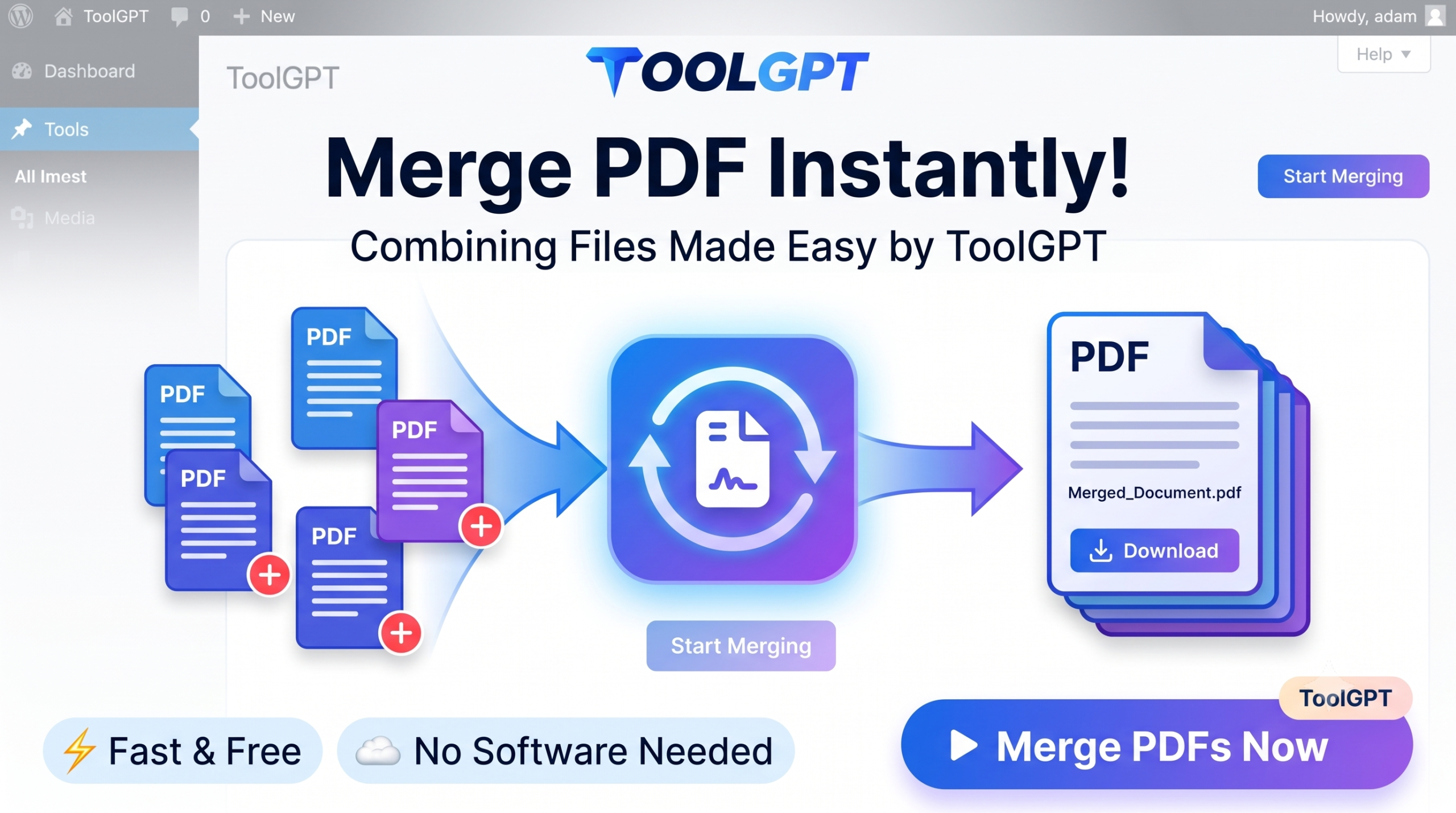
With our free online PDF merger, you can combine multiple PDF files into a single high-quality PDF document in just a few clicks. There’s no need to install any software or create an account. Simply upload your PDF files, arrange them in the order you want, click Merge, and download your combined PDF instantly.
Whether you’re a student, office employee, business owner, teacher, freelancer, or everyday user, ToolGPT makes merging PDF files simple, secure, and completely free.
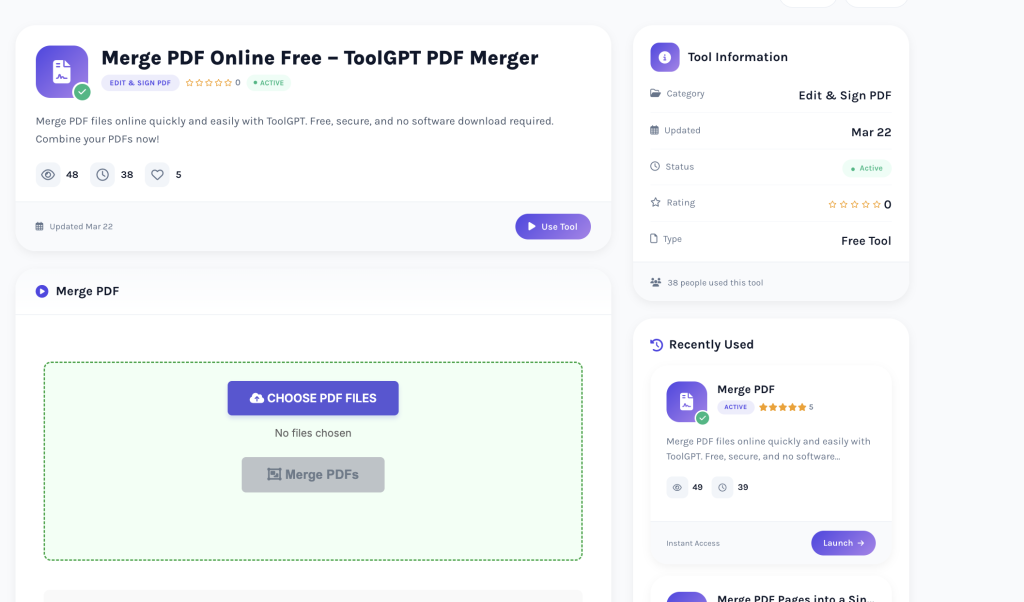
Table of Contents
- What is a Merge PDF Tool?
- Why Merge PDF Files?
- Features of ToolGPT Merge PDF
- How to Merge PDF Online
- Who Can Use This Tool?
- Benefits of Merging PDF Files
- Common Uses
- Why Choose ToolGPT?
- Frequently Asked Questions
- Related PDF Tools
- Conclusion
What is a Merge PDF Tool?
A Merge PDF tool allows you to combine two or more PDF files into a single PDF document without affecting the quality of the original files.
Instead of handling multiple documents individually, you can organize everything into one PDF that’s easier to store, print, email, and upload.
For example:
- Merge multiple invoices into one PDF.
- Combine scanned documents.
- Join several assignments together.
- Merge contracts and agreements.
- Create one organized report from multiple PDFs.
Why Merge PDF Files?
There are many reasons why users combine PDF files.
Better Organization
Instead of managing several PDF files separately, keep everything inside one document.
Easier Sharing
Send only one PDF instead of multiple attachments.
Professional Appearance
One organized PDF looks much cleaner for official submissions.
Faster Upload
Many websites accept only one PDF file for document uploads.
Better Printing
Print all pages together without opening multiple files.
Features of ToolGPT Merge PDF Tool
Our Merge PDF tool includes everything needed for fast and reliable PDF merging.
Completely Free
Merge unlimited PDF files without paying anything.
No Registration Required
No signup or login is necessary.
High-Quality Output
Maintain the original quality of every page.
Fast Processing
Merge PDFs within seconds.
Rearrange Pages
Arrange your PDF files before merging.
Secure Processing
Your uploaded documents are processed securely.
Mobile Friendly
Works on:
- Windows
- Mac
- Android
- iPhone
- Tablets
Browser Based
No software installation required.
How to Merge PDF Online
Using ToolGPT is simple.
Step 1
Open the Merge PDF tool.
Step 2
Upload multiple PDF files.
Step 3
Arrange them in the correct order.
Step 4
Click the Merge PDF button.
Step 5
Download your merged PDF instantly.
The entire process usually takes less than one minute.
Who Can Use This Tool?
Our Merge PDF tool is useful for everyone.
Students
- Combine assignments
- Merge study notes
- Create project reports
Teachers
- Prepare worksheets
- Combine question papers
- Share study material
Office Employees
- Merge reports
- Combine presentations
- Organize company documents
Businesses
- Merge invoices
- Combine contracts
- Store customer documents
Freelancers
- Send proposals
- Merge portfolios
- Organize client documents
Personal Users
- Combine travel documents
- Store certificates
- Merge scanned records
Benefits of Using an Online Merge PDF Tool
Using ToolGPT offers several advantages.
- Save time
- Better document organization
- Easy sharing
- Professional appearance
- No software installation
- High-quality output
- Free forever
- Secure processing
- Mobile compatibility
Common Uses of Merge PDF
Our users commonly merge:
- Bank Statements
- Aadhaar Documents
- PAN Card Copies
- Passport Documents
- Study Notes
- College Assignments
- Medical Reports
- Insurance Papers
- Business Contracts
- Bills
- Receipts
- Certificates
- Tax Documents
- Legal Documents
Why Choose ToolGPT?
Thousands of users trust ToolGPT because our tools are designed to be simple, secure, and fast.
When you use ToolGPT, you get:
- Modern interface
- Fast merging
- High-quality PDF
- Secure processing
- No watermark
- Free forever
- Beginner-friendly experience
- Works on every device
Everything runs directly inside your browser.
Tips for Better PDF Merging
For the best results:
- Arrange PDFs before merging.
- Check page order carefully.
- Remove unnecessary pages first if required.
- Upload clear PDF documents.
- Preview before downloading.
Is My Data Safe?
Yes.
At ToolGPT, user privacy is our priority. Your PDF files are processed securely, and we are committed to protecting your uploaded documents throughout the merging process.
Frequently Asked Questions
Is the Merge PDF tool free?
Yes. It is completely free.
Can I merge multiple PDF files?
Yes. Upload as many supported PDF files as needed and combine them into one.
Will the PDF quality decrease?
No. ToolGPT preserves the original quality.
Do I need to install software?
No. Everything works online.
Can I use this tool on my phone?
Yes. It works on Android, iPhone, tablets, and desktop devices.
Is registration required?
No login or signup is needed.
Is there any watermark?
No. Your merged PDF is clean and watermark-free.
Is my uploaded PDF secure?
Yes. Your files are processed securely.
Can I rearrange PDF files before merging?
Yes. You can organize the files before creating the final PDF.
How long does the process take?
Usually only a few seconds, depending on file size.
Related PDF Tools
If you’re working with PDF documents, you may also like:
- PDF to Word Converter
- Compress PDF
- Split PDF
- Rotate PDF
- Remove PDF Pages
- Image to PDF
- PDF to JPG
- JPG to PDF
- PDF to PNG
- PDF Compressor
Conclusion
Managing multiple PDF files doesn’t have to be complicated. With the ToolGPT Merge PDF Online tool, you can combine several PDF documents into one organized file in just a few clicks.
Whether you’re merging reports, invoices, assignments, scanned documents, contracts, or personal files, ToolGPT provides a fast, secure, and free solution that works directly in your browser.
Try the Merge PDF Online tool today and organize your PDF files effortlessly.