Convert Images to PDF Online Instantly with ToolGPT
In today’s digital world, images are used everywhere—from scanned documents and handwritten notes to receipts, invoices, certificates, ID cards, and personal photos. While image files are easy to capture and share, managing multiple images separately can become inconvenient. Whether you’re submitting documents online, sharing study notes, or organizing business records, combining images into a single PDF makes everything more professional and organized.
That’s where the ToolGPT Image to PDF Converter comes in.
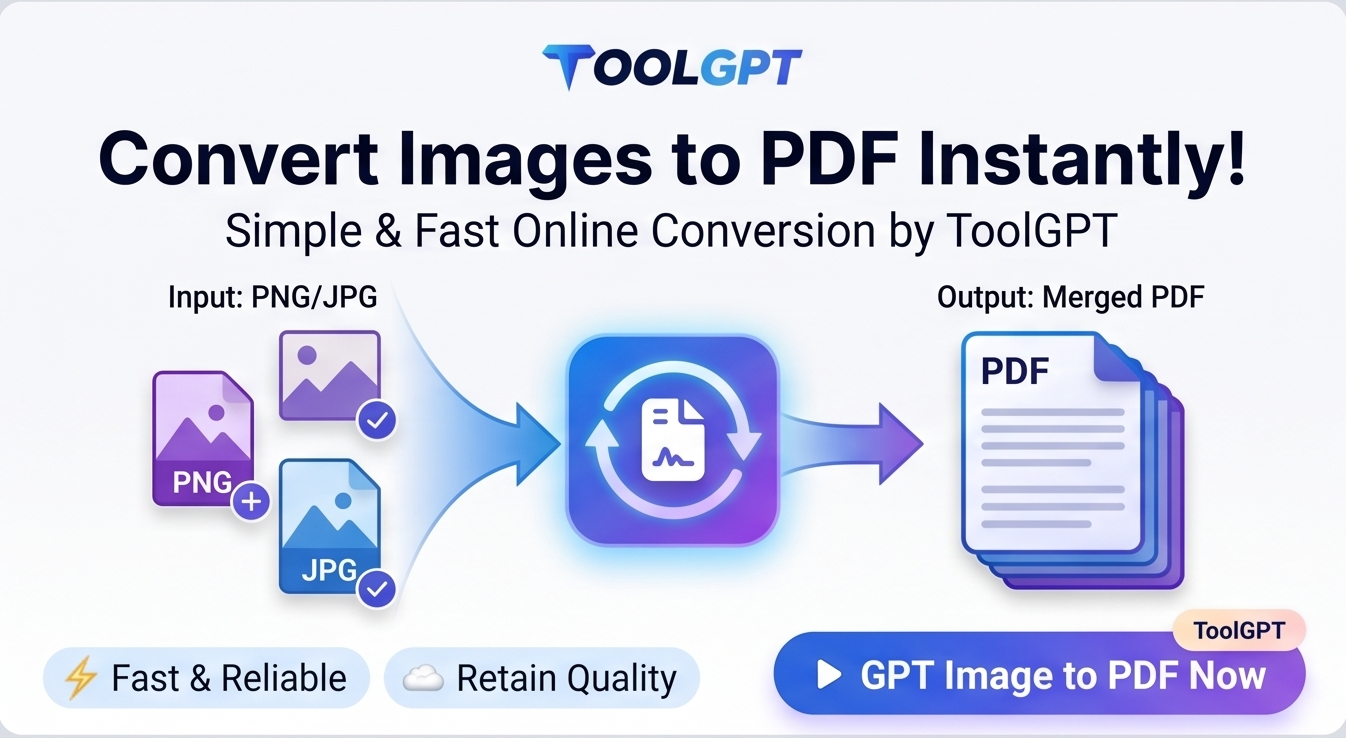
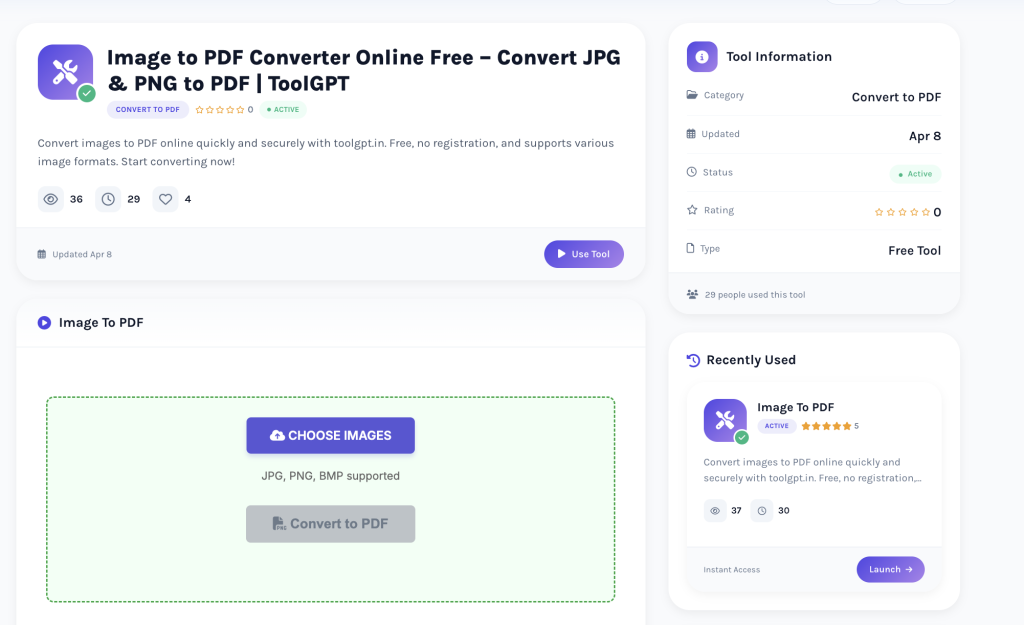
Our free online Image to PDF tool allows you to convert JPG, PNG, WEBP, BMP, and other image formats into a high-quality PDF document within seconds. There’s no need to install any software or create an account. Simply upload your images, arrange them in the correct order, convert them, and download your PDF instantly.
Whether you’re a student, teacher, office employee, freelancer, business owner, or simply someone looking for a quick way to combine images into a PDF, ToolGPT makes the process simple, secure, and completely free.
What is an Image to PDF Converter?
An Image to PDF Converter is an online tool that transforms one or multiple image files into a PDF document. Instead of sending several JPG or PNG files individually, you can combine them into one organized PDF file that is easier to share, print, store, and upload.
PDF is one of the most widely accepted document formats because it preserves formatting across different devices and operating systems. Whether you open a PDF on Windows, macOS, Android, or iPhone, the document looks exactly the same.
With ToolGPT, converting images into PDF takes only a few clicks.
Why Convert Images to PDF?
There are many situations where converting images into PDF is beneficial.
Better Organization
Instead of managing multiple image files, combine them into one organized PDF document.
Professional Appearance
PDF documents look cleaner and more professional when submitting applications, reports, invoices, or assignments.
Easier Sharing
Sending one PDF is much easier than attaching multiple images separately.
Faster Upload
Many government websites, educational portals, and job application platforms prefer PDF files over images.
Easy Printing
PDF files maintain proper page layout, making them ideal for printing.
Features of ToolGPT Image to PDF Converter
Our Image to PDF Converter is designed with simplicity and performance in mind.
Free Forever
Use the converter without paying any subscription or hidden charges.
No Registration Required
No login or account creation is needed.
High-Quality PDF Output
Maintain excellent image quality during conversion.
Multiple Image Support
Upload multiple images and combine them into a single PDF.
Rearrange Images
Organize pages before converting to create a properly structured PDF.
Fast Conversion
Generate PDF documents within seconds.
Mobile Friendly
Works perfectly on Android, iPhone, tablets, laptops, and desktop computers.
Secure File Processing
Your uploaded files are processed securely to protect your privacy.
Supported Image Formats
The ToolGPT Image to PDF Converter supports popular image formats including:
- JPG
- JPEG
- PNG
- WEBP
- BMP
- GIF
You can upload photos captured using smartphones, scanners, DSLR cameras, or screenshots.
How to Convert Images to PDF Online
Converting images into PDF using ToolGPT is very simple.
Step 1
Open the Image to PDF Converter on ToolGPT.
Step 2
Upload one or multiple image files from your device.
Step 3
Arrange the images in the desired sequence.
Step 4
Click the Convert to PDF button.
Step 5
Download your newly created PDF instantly.
The entire process usually takes less than one minute.
Who Can Use This Tool?
Our Image to PDF Converter is useful for everyone.
Students
- Convert handwritten notes
- Submit assignments
- Combine scanned study materials
Teachers
- Create worksheets
- Share educational notes
- Organize classroom documents
Office Employees
- Merge reports
- Share scanned paperwork
- Convert invoices into PDFs
Business Owners
- Store receipts
- Prepare customer documents
- Organize invoices
Freelancers
- Send contracts
- Create portfolios
- Share project screenshots
Personal Users
- Store travel documents
- Combine family photos
- Save certificates digitally
Benefits of Using an Online Image to PDF Converter
Using ToolGPT offers several advantages:
- No software installation
- Free unlimited conversions
- High-quality output
- Easy document management
- Professional file sharing
- Cross-platform compatibility
- Quick processing
- Secure conversion
Common Uses of Image to PDF
Users commonly convert:
- Aadhaar Card
- PAN Card
- Passport copies
- College assignments
- Handwritten notes
- Certificates
- Receipts
- Bills
- Medical reports
- Business invoices
- Utility bills
- ID cards
- Travel documents
- Insurance papers
Why Choose ToolGPT?
There are many online PDF converters available, but ToolGPT focuses on speed, simplicity, and user experience.
When you use ToolGPT, you get:
- Fast conversion speed
- Clean and modern interface
- Mobile-friendly design
- High-quality PDF generation
- No watermarks
- Secure processing
- Easy drag-and-drop uploads
- Beginner-friendly interface
Everything works directly inside your browser without downloading any application.
Tips for Better PDF Conversion
For the best results:
- Upload clear, high-resolution images.
- Arrange pages before converting.
- Remove unnecessary backgrounds if required.
- Use scanned images with proper lighting.
- Preview your page order before downloading.
Is My Data Safe?
Yes.
At ToolGPT, user privacy is important. Files are processed securely, helping protect your personal and professional documents during conversion.
Frequently Asked Questions
Is the Image to PDF Converter free?
Yes. ToolGPT provides unlimited free image-to-PDF conversions.
Can I combine multiple images into one PDF?
Yes. Upload multiple images and merge them into a single PDF document.
Which image formats are supported?
JPG, JPEG, PNG, WEBP, BMP, and GIF.
Do I need to install software?
No. Everything works directly in your web browser.
Can I use this tool on mobile?
Yes. It works on Android, iPhone, tablets, and desktop devices.
Will the image quality decrease?
No. ToolGPT preserves image quality while generating the PDF.
Is registration required?
No. No signup or login is necessary.
Can I print the generated PDF?
Yes. The generated PDF is fully printable and compatible with all major PDF readers.
Is there any file limit?
You can upload multiple images depending on the supported size limit of the tool.
Is my uploaded data secure?
Yes. ToolGPT processes files securely to help protect user privacy.
Related Tools You May Like
If you’re working with documents and images, you may also find these ToolGPT tools helpful:
- PDF to Word Converter
- Merge PDF
- Compress PDF
- PDF to JPG
- JPG to PNG
- PNG to JPG
- Resize Image
- Crop Image
- Background Remover
- Image Compressor
Conclusion
Managing multiple image files can be time-consuming, especially when sharing official documents or creating organized records. The ToolGPT Image to PDF Converter helps you combine your images into one high-quality PDF quickly and easily.
Whether you’re converting scanned documents, receipts, certificates, assignments, invoices, or personal photos, ToolGPT provides a fast, secure, and free solution directly in your browser.
Try the Image to PDF Converter today and create professional PDF documents in just a few clicks.