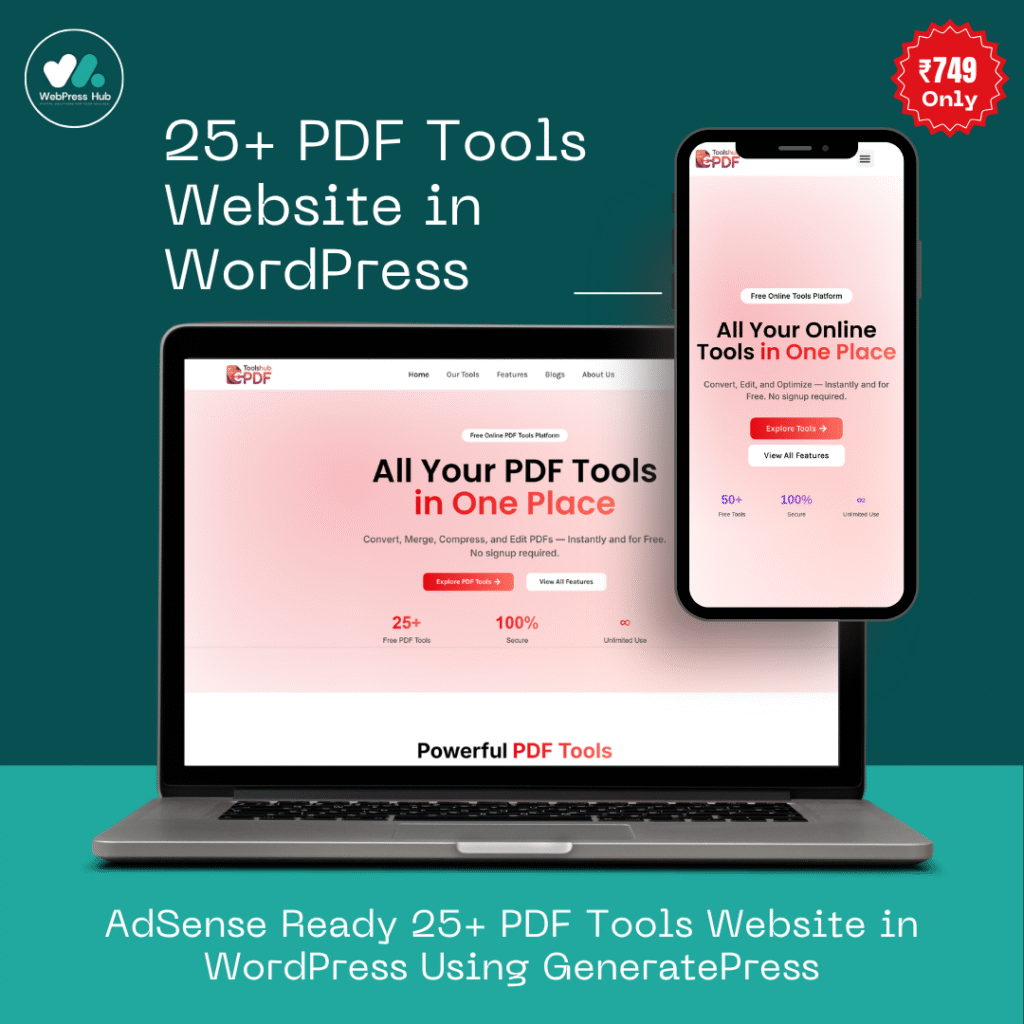
PDF files have become an important part of daily digital work. Whether you’re a student, office employee, freelancer, or business owner, managing PDF documents efficiently saves both time and effort.
From merging files to compressing large PDFs, modern online PDF tools make document handling simple and fast.
At ToolGPT, we provide powerful free PDF tools that work directly inside your browser without requiring software installation.
In this guide, we’ll explore the most useful PDF tools and how they can improve your productivity.
Why PDF Tools Are Important Today
PDF is one of the most widely used document formats because it keeps formatting consistent across all devices.
However, users often face problems like:
- Large PDF file sizes
- Multiple PDF files needing merge
- Need to convert images into PDF
- Password protection issues
- Splitting pages from PDFs
- Editing and organizing documents
That’s where online PDF tools become extremely useful.
Best PDF Tools Available on ToolGPT
1. Merge PDF Tool
The Merge PDF tool helps combine multiple PDF files into a single document instantly.
Best For:
- Joining assignments
- Combining reports
- Office documentation
- Project submissions
Features:
- Fast PDF merging
- Drag & drop support
- Unlimited file merging
- Mobile-friendly interface
2. Split PDF Tool
Need to extract pages from a large PDF?
Our Split PDF tool allows users to separate specific pages easily.
Use Cases:
- Extract certificates
- Remove unwanted pages
- Share selected pages only
3. Compress PDF Tool
Large PDFs are difficult to upload and share.
The Compress PDF tool reduces PDF size while maintaining document quality.
Benefits:
- Faster uploads
- Saves storage space
- Email-friendly PDFs
- Optimized document sharing
4. JPG to PDF Converter
Convert images into professional PDF documents instantly.
Perfect For:
- Scanned notes
- ID proofs
- Documents
- Photo-based reports
Supported Formats:
- JPG
- PNG
- WEBP
5. PDF to JPG Converter
Convert PDF pages into high-quality images.
Helpful For:
- Presentations
- Social media sharing
- Document previews
- Image extraction
6. PDF Password Protection
Protect important files with secure PDF passwords.
Useful For:
- Confidential documents
- Client files
- Personal records
- Financial reports
Why Choose ToolGPT PDF Tools?
Unlike many complicated online editors, ToolGPT focuses on speed, simplicity, and privacy.
Key Advantages
100% Free to Use
No hidden charges or subscriptions.
No Software Installation
Everything works directly in your browser.
Mobile & Desktop Compatible
Use tools on phones, tablets, and computers.
Fast Processing
Optimized tools for quick performance.
Clean User Interface
Simple and beginner-friendly design.
Secure Processing
Files are not permanently stored.
Who Can Use These PDF Tools?
Students
Create assignments, compress notes, and merge project files.
Office Employees
Manage reports, contracts, and documentation efficiently.
Freelancers
Send optimized PDFs to clients quickly.
Businesses
Handle invoices, presentations, and business documents professionally.
How Online PDF Tools Save Time
Traditional PDF software can be expensive and difficult to use.
Online PDF tools simplify the process by allowing users to:
- Upload files
- Process instantly
- Download results within seconds
This improves workflow and productivity significantly.
Future of AI PDF Tools
Modern PDF tools are evolving rapidly with AI features such as:
- Smart OCR scanning
- AI document summarization
- Auto file organization
- AI-powered editing
ToolGPT is continuously improving its platform to provide smarter AI-powered document tools.
Final Thoughts
Managing PDF files should be simple, fast, and accessible for everyone.
Whether you need to merge PDFs, compress files, convert documents, or secure important data, ToolGPT provides free online PDF tools designed for modern users.
If you’re looking for a lightweight, fast, and professional PDF toolkit, ToolGPT is a great solution for daily document tasks.
Start using our free PDF tools today and simplify your workflow instantly.